Bài đăng

Hiển thị các bài đăng có nhãn Xiaomi Redmi Note 3

How to install Android v7.1 Nougat for Xiaomi Redmi 3, 3 Prime, via CyanogenMod CM 14.1
Hình ảnh
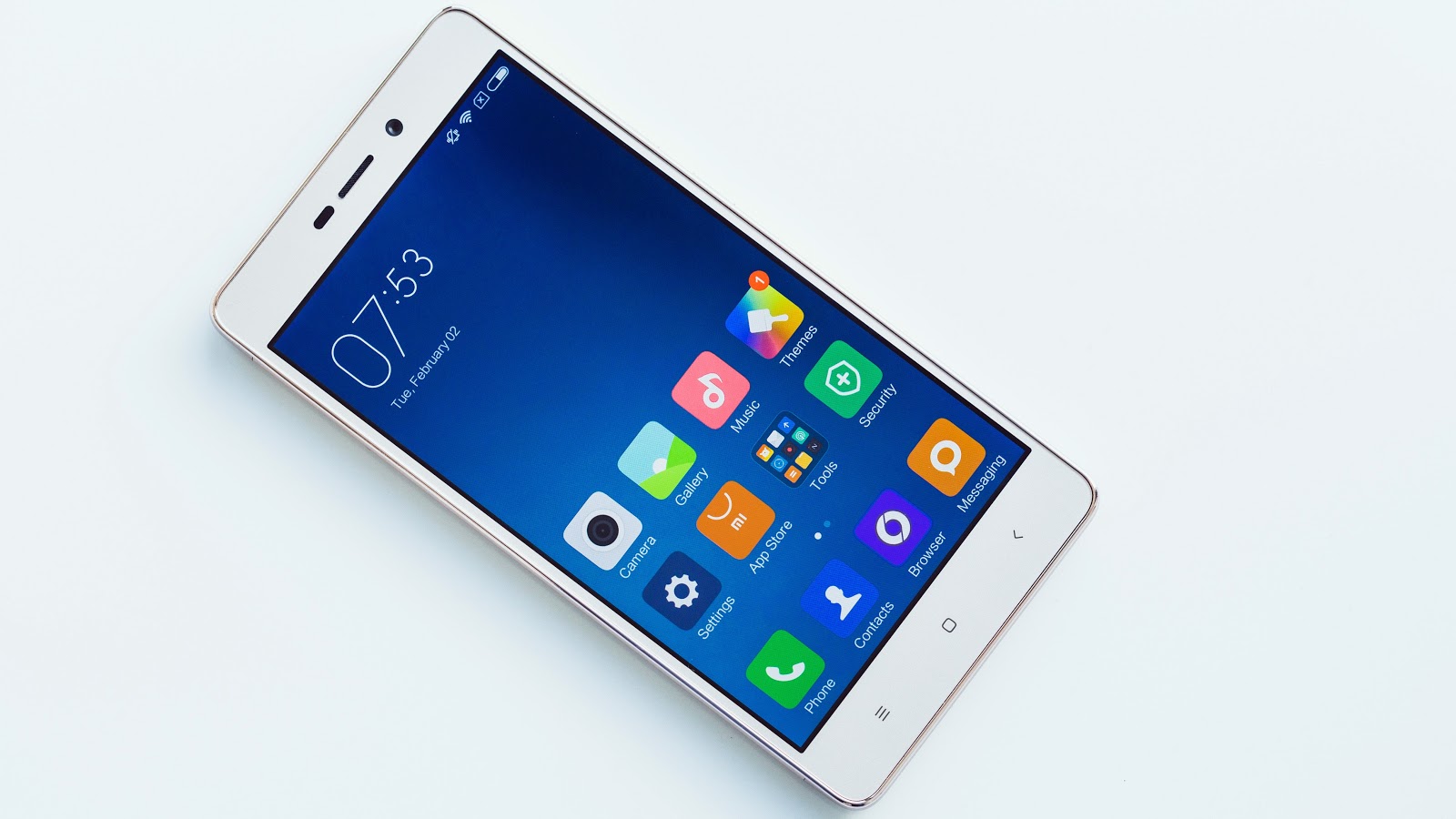
Here's a tutorial on how to install Android Nougat-based CyanogenMod CM 14.1 custom ROM on Xiaomi Redmi 3 and 3 Prime series. Xiaomi announced to release Marshmallow-based MIUI v8.0 to the Mi 2 series, which was unveiled way back in 2012. Even Google doesn't offer software support to its Nexus series this long. However, Xiaomi is a bit slow in delivering firmware updates to its devices. That's where custom ROM come into play, as they offer latest features in quick time. Among the numerous third-party ROM developers in the market, CyanogenMod is the most popular. They have a bunch of dedicated freelance software developers who release timely updates to almost all Android-branded devices in the market. Prerequisites Make sure the device is rooted before going forward for custom ROM installation Installation of custom ROM requires clearing of memory in the smartphone, so make sure to back all the data by installing TWRP in the smartphone Make sure to install USB drivers on the...

Install Unofficial CyanogenMod 14 [Android Nougat] On Xiaomi Redmi Note 3

Hình ảnh
Android’s latest 7.0 Nougat is now availabe for Xiaomis most sold phone in India, the Redmi Note 3. This version of the Cyanogenmod’s CM14 is the unofficial version. If you can’t wait for the official Android Nougat update for the Redmi Note 3, then this is the best choice! Here I will be sharing a guide to Download & Flash/ Install CM14 Nougat ROM On Redmi Note 3 Android 7.0.The installation Process is very easy to follow.Just follow the given steps to update your Redmi Note 3 to latest Android 7.0 Nougat via Unofficial CyanogenMod 14 Custom ROM. This is not developed by team CM and is an unofficial homemade ROM but based latest Android 7.0 Nougat.It is a very clean ROM close to stock ROM with some extra useful features like previous CyanogeMod ROMs. PRE-REQUIREMENTS: Make sure there is at least 80% battery left on your smartphone before begin. Make sure your device’s bootloader is unlocked. Make sure you have a custom recovery (TWRP/CWM) Install On your device.We recommend T...

List of all custom ROMs for Xiaomi Redmi Note 3 [Best]

Hình ảnh
The Xiaomi Redmi Note 3 packs in 1.4GHz hexacore Qualcomm Snapdragon 650 processor which is coupled with 3 GB or 2GB RAM and 16GB or 32GB internal storage which can be further expanded via SD card up to 32GB. The device has the modern touch of having a non-removable battery which has the capacity of 4050mAh for lasting performance. The Redmi Note 3 device is very powerful from inside but the same thing applies to the external features like the display which is measured 5.50 inch with a resolution of 1080×1920 pixels at a PPI of 403 are also solid. Here you can find all custom ROMs for Xiaomi Redmi Note 3. List will be updated as soon as we find new ROMs. ROM Version Link Credits Resurrection Remix LP v5.5.9 5.1.1 Lollipop en.miui.com Sicmosh, Bule. Mokee OS 5.1.1 Lollipop en.miui.com Sicmosh, Bule. BLISSPOP 5.1.1 Lollipop en.miui.com pocarropa, Bule. PAC-Man 5.1.1 Lollipop en.miui.com Sicmosh, pocarropa. Flyme OS v4.5...

How to Root Xiaomi Redmi Note 3 Snapdragon 650 variant

Hình ảnh
If you are looking forward to rooting your Redmi Note 3 and have the custom ROMs, you first will need a custom recovery. For that, the developers have managed to develop a TWRP 3.0.0, the latest materialistic recovery. Keeping noted that this rooting and flashing TWRP method works only with the Snapdragon 650 version and not with the MTK versions of the phones. Follow the below instructions to successfully root your device. Warning: The rooting and installing custom ROMs process may be riskful. You could brick your device. However, not to worry about warranty becoming void because it is a Xiaomi phone and they do cover the devices under warranty if rooted. NOTE : You need to have your bootloader unlocked in order to perform the below process. Click here to see the instructions to know how to unlock the bootloader. This method is only for the Snapdragon variant. Do not try this with other variants which you have bought from Chinese websites. Do follow the instructions step by step an...

How to unlock the bootloader of Redmi Note 3

Hình ảnh
Redmi Note 3 is a brand new and the current flagship device from Xiaomi.So if you own this device and want to make the most out of it and looking forward to root, customize with TWRP or a custom ROM, then the very first step you need to go through is unlocking the bootloader. What will change after locking bootloader? Locking bootloader will not affect normal OTA updates; ROOT will be disabled if user has enabled it before. Enabling ROOT will need to unlock bootloader; Recovery mode is changed. Updating via Recovery will need to use Mi PC Suite; After unlocking, the device can do all the things as before we locked bootloader. Devices with locked bootloader can not update using Miflash. Users need to unlock bootloader if they want to flash Fastboot ROMs. Before you proceed, please note that Xiaomi unlocked their phone’s bootloader for reasons. Therefore, if you don’t know much about Android, don’t intend to flash custom ROM, etc., then it is very ...